https://gist.github.com/480/4681b67d2a906db8c6c1321cc678f05f
github 리모트 리포지토리 변경하기
github 리모트 리포지토리 변경하기. GitHub Gist: instantly share code, notes, and snippets.
gist.github.com
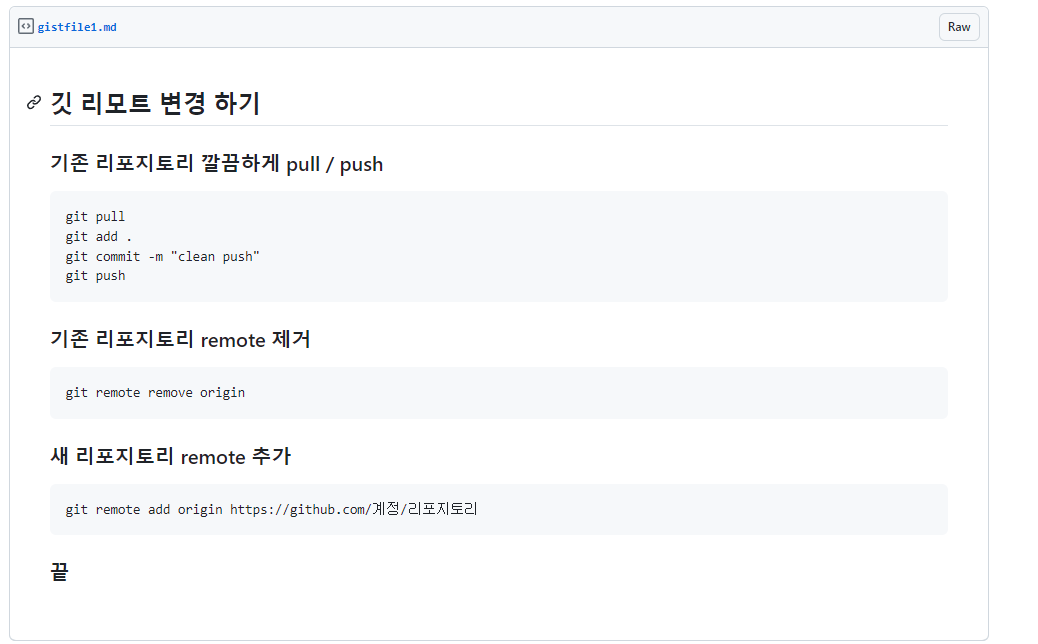
git pull
git add .
git commit -m "clean push"
git push
git remote remove origin
git remote add origin https://github.com/계정/리포지토리
끝
[Git - 오류해결] Updates were rejected because the tip of your current branch is behind its remote..
기껏 배워놓은 깃을 다른 공부 진도나간다는 핑계로 커밋을 안하고 있었더니 다 까먹나보다. 사실 이미 다른 소스코드들을 커밋해놓은 상태였는데 커밋하기 전에 디렉토리를 옮긴다고 이것저
seolahchloe.tistory.com
https://gmlwjd9405.github.io/2018/05/25/git-add-cancle.html
[Git] git add 취소하기, git commit 취소하기, git push 취소하기 - Heee's Development Blog
Step by step goes a long way.
gmlwjd9405.github.io
[Github] 기본 브랜치명 변경 (main, master) - git | UsingU
Github에서 2020년에 리포지토리의 기본 브랜치명을 master에서 main으로 변경하였습니다. Github의 기본 브랜치명을 변경하는 방법과 로컬의 기본 브랜치명을 변경하는 명령을 같이 포스트합니다.
usingu.co.kr
'코딩에 유용한 정보' 카테고리의 다른 글
| 2024 국제 인공지능 대전 후기 - 구경한 기술들 (0) | 2024.05.08 |
|---|---|
| MS Store 쓸만한 무료 앱 (0) | 2024.04.30 |
| 개발자용 윈도우11 세팅 (0) | 2024.04.26 |
| 코딩 북마크 저장 백업 (0) | 2024.04.16 |
| 개발자 도구 요소 탐색 기능 (0) | 2024.04.16 |